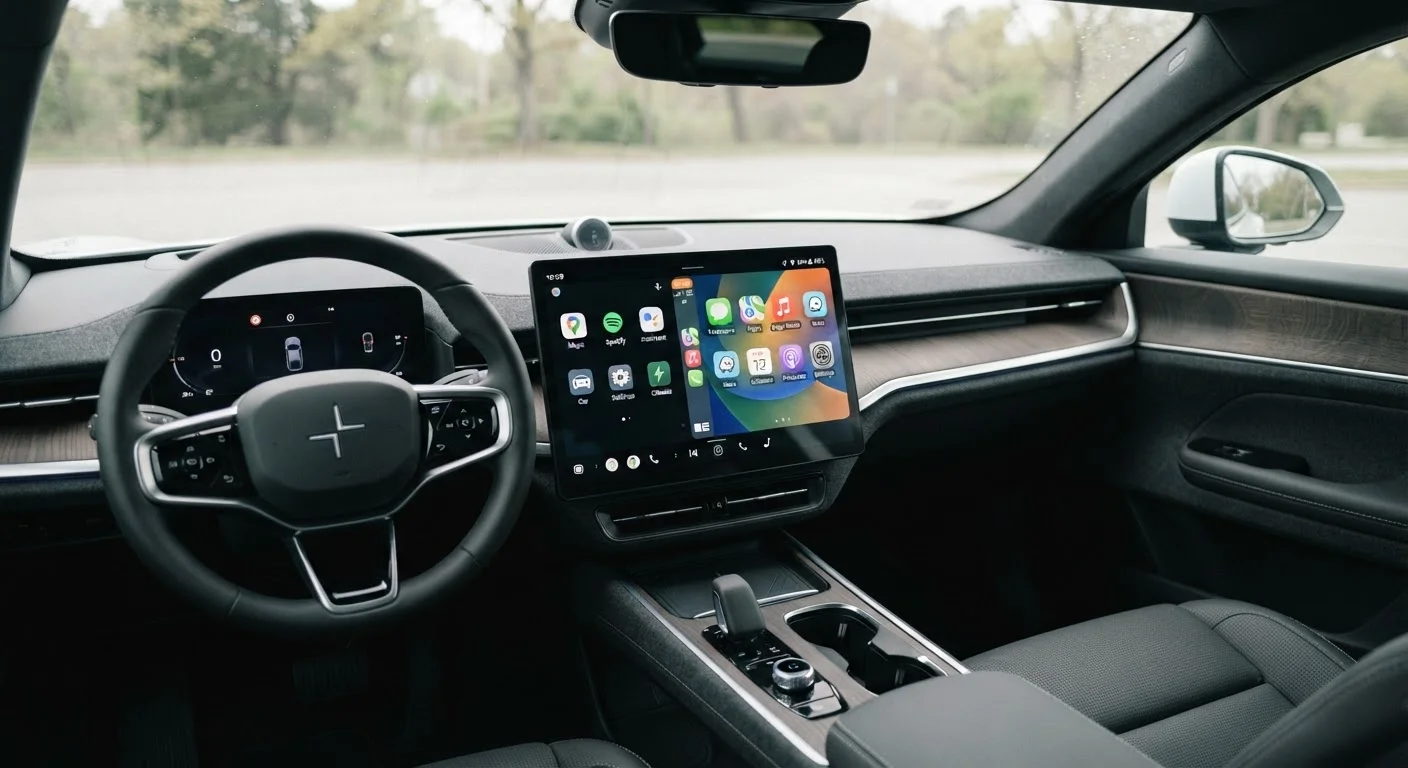
Two Different Philosophies for Your Dashboard Screen
When you interact with your car's touchscreen, you may be using one of two fundamentally different systems - and most buyers don't realize the distinction until something stops working the way they expected.
Native apps are programs that live inside the vehicle itself, installed on the car's own computer. They don't need your smartphone to operate. Examples include a manufacturer's built-in navigation system, a factory music app, or a connected services portal that communicates directly with the automaker's servers.
Mirrored phone apps, by contrast, use your smartphone as the brain. Systems like Apple CarPlay and Android Auto project a version of your phone's interface onto the car's screen. The apps themselves are running on your phone - the car's screen is essentially a display and input device. For a deeper look at how those platforms compare to each other, see how CarPlay and Android Auto differ.
Understanding this distinction helps you evaluate what you're actually getting with any vehicle's infotainment package.
What Each Approach Does Well
Native apps shine in scenarios where phone-independence matters. They work when your phone battery is dead, when you're out of cellular range, or when you simply don't want your phone tethered to the car. Automakers can also build native apps with deep vehicle integration - think climate control adjustments, seat memory, or real-time vehicle diagnostics all accessible from the same interface. For a full overview of what modern infotainment systems can do, our infotainment decoder guide covers all the major components.
Mirrored apps have a different kind of strength: they stay current. Because the apps run on your phone, they update whenever your phone updates. The maps in a mirrored navigation app reflect today's road data, not the dataset that was loaded at the factory. Your existing music subscriptions, podcasts, and contacts transfer automatically - no re-setup required when you buy a new car.
| Native Apps | Mirrored Phone Apps | |
|---|---|---|
| Requires smartphone | No | Yes |
| Software stays current | Only if manufacturer updates | Yes - updates with phone |
| Works offline / without cell signal | Generally yes | Limited - depends on phone |
| Vehicle system integration | Deep (climate, diagnostics) | Limited to what platform allows |
| App selection | Manufacturer-chosen only | Broad, platform-approved apps |
| Reliability | Consistent, no connection needed | Depends on phone link stability |
| Long-term usability | May age without updates | Improves with phone OS updates |
The Real Trade-Offs to Weigh Before You Buy
The most significant drawback of native apps is aging. Software loaded at the factory can become outdated, and not every automaker offers over-the-air updates that meaningfully modernize the experience. A native navigation system that was competitive in the model year it launched may feel clunky three years later, with older maps and a dated interface. The built-in navigation vs. phone GPS comparison explores this aging problem in more detail.
Mirrored apps carry their own trade-offs. They depend on a reliable connection between your phone and the car - whether wired via USB or wireless via Bluetooth and Wi-Fi. A faulty cable, a software conflict, or a weak wireless signal can interrupt the session. Understanding why mirroring disconnects can help you troubleshoot these issues. If you're weighing wireless versus wired setups, this guide to wired vs. wireless integration lays out the reliability differences plainly.
There's also an ecosystem question. Mirrored apps only show what the phone platform allows - Apple and Google each decide which apps are permitted in CarPlay and Android Auto respectively. Some niche apps you rely on may not be available.
How to Evaluate This When Shopping for a Car
When comparing vehicles, ask the following questions during your test drive or research phase:
- Does the car support both? Many modern vehicles offer native apps alongside CarPlay and Android Auto support. Having both gives you flexibility.
- Does the manufacturer provide software updates for native apps? Ask whether those updates are over-the-air or require a dealer visit - and whether they carry a fee.
- How does the native system actually perform? Test responsiveness, map accuracy, and voice recognition during your test drive. A sluggish or unresponsive native system won't improve after purchase.
- Is wireless mirroring available? If you plan to rely on CarPlay or Android Auto, wireless capability removes the need for a USB cable on every trip.
The complete infotainment and connectivity buyer's reference provides a broader framework for evaluating every dimension of a vehicle's screen and software package before you sign.