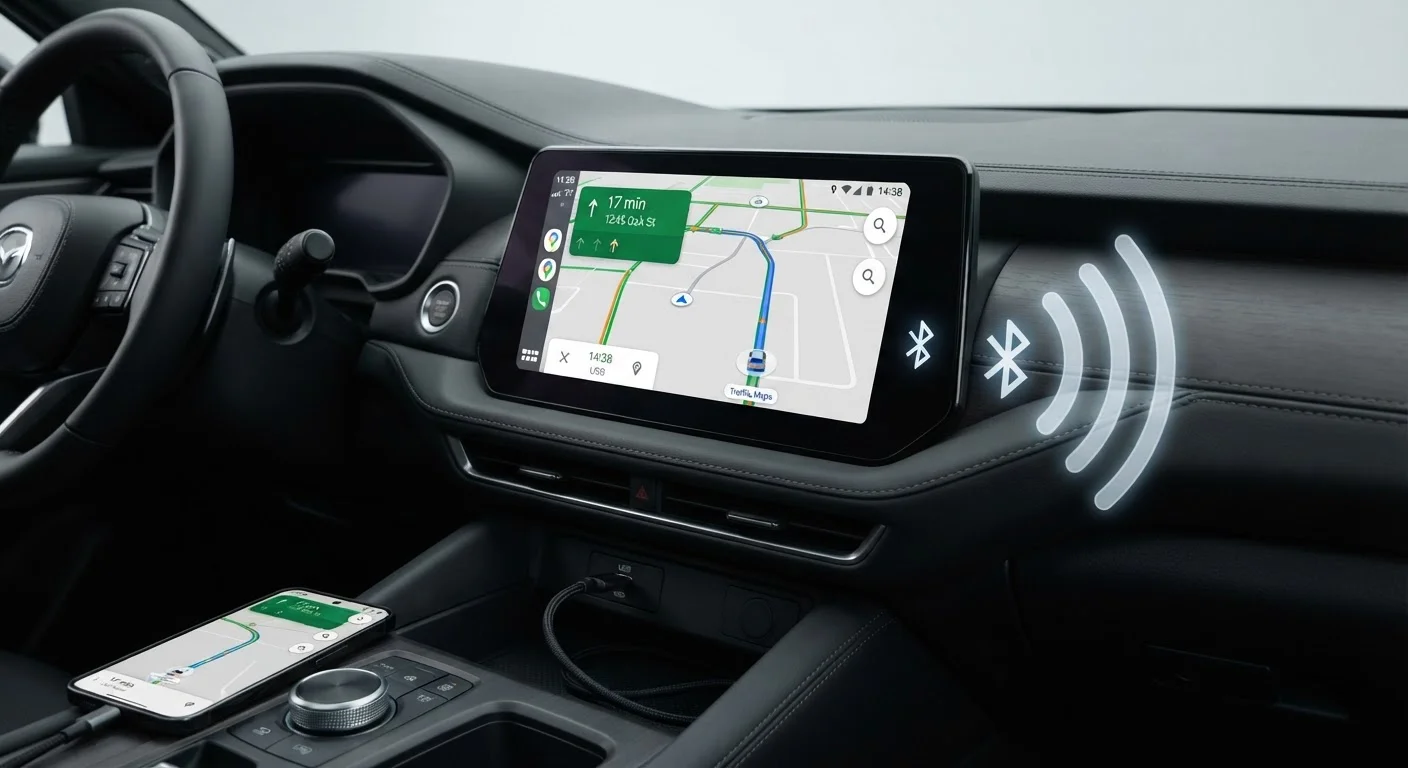
How Each Connection Type Works
Both Apple CarPlay and Android Auto project a simplified version of your phone's interface onto your car's touchscreen - but how that signal travels makes a significant difference. To understand the full terminology around Bluetooth, USB, and Wi-Fi protocols involved, see our plain glossary of car connectivity terms.
Wired connection: A USB cable connects your phone directly to the car's head unit. Data transfers over the cable, the car recognizes the device, and the projection session begins - typically within seconds. The same cable simultaneously charges your phone.
Wireless connection: Your phone pairs via Bluetooth to initiate the session, then switches to a dedicated Wi-Fi band (usually 5 GHz) inside the car for the actual data stream. No cable is needed, but both your phone and the head unit must support wireless projection - not all vehicles or older smartphones do.
For a deeper look at how these systems compare at the software level, our article on Apple CarPlay and Android Auto differences covers the distinctions between each platform.
The Real Advantages of Going Wireless
Wireless integration removes the most consistent annoyance of wired setups: fishing a cable out of a cupholder every time you get in the car. For drivers who make multiple short trips daily, this friction reduction is genuinely meaningful.
No cable needed each time you enter
The car detects your phone automatically via Bluetooth and switches to Wi-Fi, so the projection session starts without you touching anything.
Reduces connector and port wear
USB-C and Lightning ports have a finite number of connection cycles; eliminating daily plugging extends the lifespan of both the phone port and the cable.
Cleaner, less cluttered cabin
Removing a permanent cable loop between phone and dash contributes to a tidier center console, especially when paired with a wireless charging mat.
Automatic reconnection on startup
Once configured, compatible vehicles re-establish the wireless session every time the ignition is triggered, with no manual input required.
Wireless also supports a cleaner cabin aesthetic. When paired with a wireless charging pad, your phone can sit flat in a dedicated tray and connect automatically as soon as the car starts - no ports, no dangling cables, and no connector wear over time.
Where Wired Connections Still Win
Despite wireless convenience, the wired connection holds practical advantages that matter in real driving conditions.
Noticeable latency vs. wired connection
Wireless data compression introduces a slight input lag that becomes apparent when entering destinations or interacting with maps at highway speeds.
Phone drains faster without charging
Unlike a wired connection, wireless projection does not charge your phone - you must separately manage battery via a wireless pad or second cable.
Heat buildup affects battery health
Running wireless projection, wireless charging, and navigation simultaneously generates sustained heat that can accelerate long-term battery degradation in your phone.
Stricter compatibility requirements
Wireless Android Auto requires Android 11 or newer and a supported device, while older or budget phones may be excluded from wireless functionality entirely.
Occasional Wi-Fi interference or dropout
Dense wireless environments can disrupt the 5 GHz handoff between Bluetooth pairing and the projection stream, causing brief disconnections.
Latency is perhaps the most tangible difference. Over a direct USB connection, touch inputs and map redraws respond almost instantly. Wireless streams compress and buffer the interface, which can introduce a slight but perceptible lag - noticeable when typing a destination or scrolling a map at speed. For more on why wireless sessions sometimes become unstable, see our explainer on smartphone projection disconnections.
Heat is another factor often overlooked at the dealership. Wireless projection, wireless charging, and cellular data running simultaneously generate significant thermal load. Over months of daily use, sustained heat can accelerate lithium battery degradation - a long-term ownership consideration worth weighing.
Compatibility and Setup Realities
Wireless CarPlay requires an iPhone 5 or later running iOS 9 or later, but wireless Android Auto demands Android 11 or newer on supported Pixel and Samsung devices - excluding many mid-range phones. The car itself also needs the appropriate Wi-Fi hardware, which is more common on higher trim levels and newer model years.
Wireless Projection Is a Trim-Level Feature
Many automakers offer wireless CarPlay or Android Auto only on mid-grade or higher trim levels, while base models include wired-only ports. Before assuming a vehicle supports wireless integration, confirm the specific trim's feature list - window sticker language like 'wireless smartphone integration' distinguishes it from standard USB projection. If wireless capability matters to you, verify it before purchase rather than assuming it upgrades automatically.
Setup is typically straightforward once compatibility is confirmed: pair via Bluetooth once, and the car handles reconnection automatically on future trips. But interference from crowded wireless environments - parking garages, dense urban areas - can occasionally disrupt the Wi-Fi handoff, a rare but real nuisance.
Wired setups are universally compatible across a wider range of phones and vehicles, making them the safer assumption when buying a used car or evaluating a base trim. For buyers weighing native versus projected interfaces more broadly, our piece on native apps vs. mirrored phone apps provides useful context.