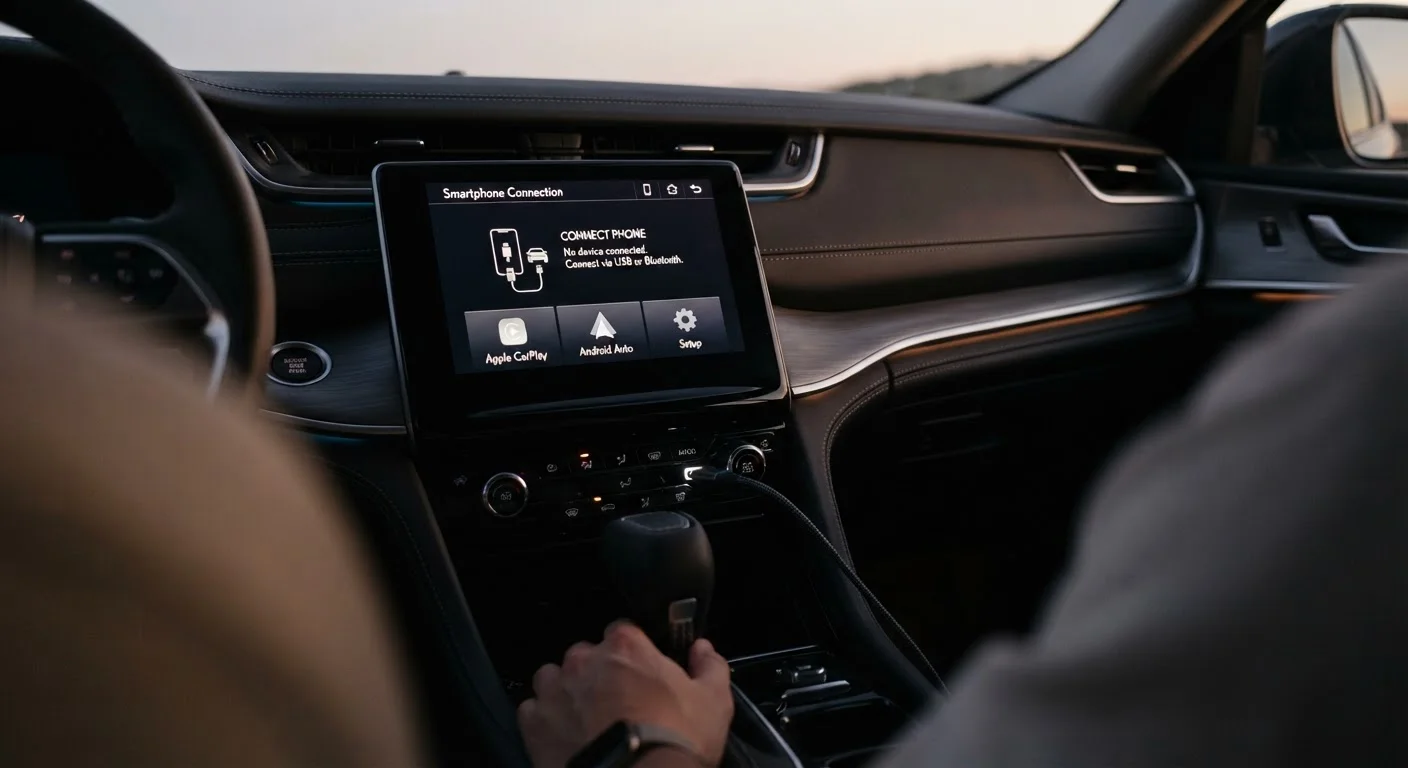
Why Disconnections Happen More Than They Should
Apple CarPlay and Android Auto work by creating a real-time link between your phone and the vehicle's head unit — either over a USB cable or a wireless radio connection. That link depends on several independent components all working correctly at once: the cable or radio channel, the phone's software, the head unit's firmware, and the USB port itself. When any one of those components is degraded or misconfigured, the session drops.
The frustrating part is that symptoms often look identical regardless of the underlying cause. A dropout caused by a fraying cable looks exactly like one caused by a software conflict. That's why systematic troubleshooting — rather than guessing — is the most reliable path to a fix. For background on how each platform handles this connection differently, see our overview of CarPlay and Android Auto.
The Most Common Mistakes Drivers Make
Most disconnection problems trace back to a short list of avoidable errors. Working through these systematically will resolve the majority of cases without a dealership visit.
Using a charging-only or low-quality USB cable for the connection.
Why it happens: Many drivers grab any cable that fits the port, not realising that charging cables often lack the data wires required by CarPlay or Android Auto.
Ignoring pending software updates on the phone or the vehicle's infotainment system.
Why it happens: Updates feel optional until something breaks. Drivers rarely associate a software version gap with a physical disconnection symptom.
Plugging into a USB port that is designed only for charging, not data.
Why it happens: Modern vehicles often have multiple USB ports with different functions. The distinction is rarely labelled clearly on the port itself.
Relying on wireless projection while the phone is overheating or handling demanding background tasks.
Why it happens: Wireless CarPlay and Android Auto stream data continuously. When a phone is also navigating, playing music, and charging simultaneously, thermal throttling can interrupt the wireless signal.
Skipping a full reset when troubleshooting persistent disconnection problems.
Why it happens: Drivers often try a single step — unplugging and replugging — and give up when it does not work, assuming the problem is hardware-level.
Allowing third-party apps with microphone or display permissions to run in the foreground while projecting.
Why it happens: Some apps compete with CarPlay or Android Auto for audio and display resources, causing the projection session to drop unexpectedly.
If you've addressed all of the above and dropouts continue, the issue may lie within the head unit itself — a behaviour that overlaps with general infotainment sluggishness. Our article on why your car's touchscreen feels laggy explains when a head unit fault is the more likely culprit.
When to Escalate to a Professional
Software Mismatches Can Cause Repeated Failures
Running an outdated iOS or Android version alongside an unpatched head unit creates compatibility gaps that neither Apple nor Google can patch from their end alone. Always confirm your phone's operating system and your vehicle's infotainment firmware are both current before assuming a hardware fault. Skipping this step leads many drivers to replace cables and adapters unnecessarily.
If you have replaced the cable, confirmed the correct USB port, updated all software, and performed a full reset without improvement, the fault may be a damaged USB port inside the vehicle or a head unit hardware issue. Both are beyond what a driver can safely address without tools and technical access. In that case, a qualified automotive technician or an authorised dealership service centre is the appropriate next step.
It is also worth checking whether your vehicle has an open technical service bulletin related to projection connectivity — manufacturers occasionally issue fixes for known software-side problems that can be applied during a service appointment. Asking your dealer to check for open bulletins costs nothing and sometimes resolves persistent issues without parts replacement.
For broader context on managing your infotainment system day-to-day, the Infotainment & Connectivity hub covers the full range of related topics, from native vs. mirrored apps to using infotainment safely while driving.