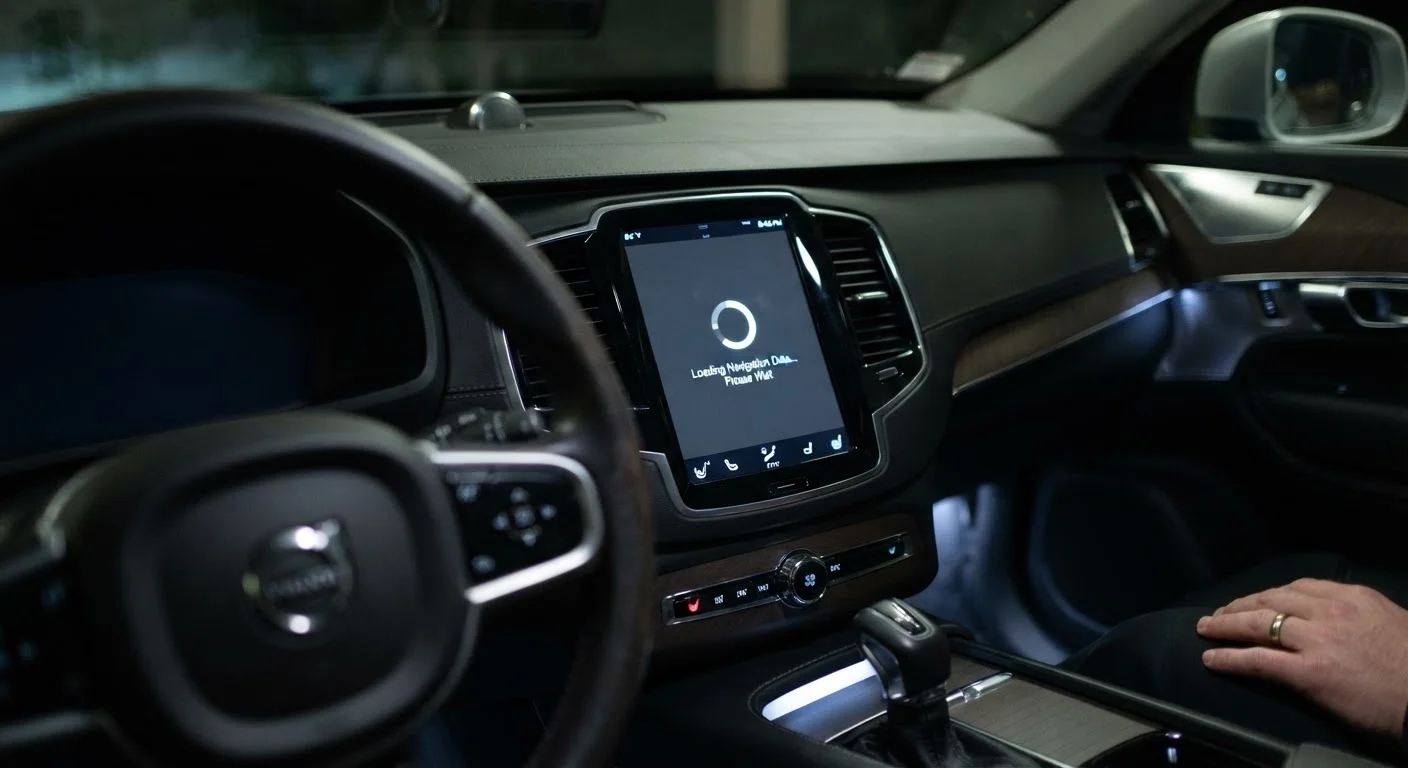
The Real Reason Your Infotainment Screen Hesitates
Modern infotainment systems are essentially computers mounted inside a vehicle. Like any computer, their performance depends on the processor, memory, and software they're running. When any one of those components is underpowered relative to the demands placed on it, the result is lag - that frustrating gap between your tap and the system's response.
The core problem is a mismatch between consumer expectations and automotive engineering timelines. Automakers finalize a vehicle's hardware components three to five years before the car reaches showrooms. The processor selected in that design phase is already behind the consumer electronics curve by the time you buy the car, and it'll remain in production vehicles for another seven to ten years after that.
This isn't negligence - it's an engineering reality. Automotive-grade chips must withstand temperature swings from -40°F to over 185°F, endure constant vibration, and operate reliably for a vehicle's full service life. Consumer smartphone chips are designed to last two or three years and operate within a narrow temperature band. The durability requirements of the automotive environment genuinely constrain which chips are viable. See our plain-language guide to infotainment systems for a broader look at how these systems are structured.
Software Bloat and Background Processes
Hardware is only part of the story. Software architecture plays an equally significant role in how snappy - or sluggish - a touchscreen feels.
Modern infotainment platforms run multiple simultaneous processes: managing audio, monitoring vehicle data, running navigation maps, maintaining Bluetooth and Wi-Fi connections, and rendering the visual interface. On a system with limited RAM - often 2-4 GB in budget and mid-range vehicles - these competing demands compete for the same resources. The visible result is input lag, slow menu transitions, and delayed map rendering.
Check for Available Software Updates
Before assuming a laggy infotainment system is permanently slow, check whether the manufacturer has released software updates. Many automakers offer over-the-air updates or dealer-installed patches that optimize memory usage and reduce background processes. It won't overcome fundamental hardware limitations, but it can make a meaningful difference on systems that shipped with unoptimized software.
Software updates can sometimes help. Automakers have shipped updates that reduced unnecessary background tasks and improved memory management, noticeably speeding up older systems. However, these improvements have a ceiling. If the hardware was undersized to begin with, software optimization can only recover so much performance.
The touchscreen interface layer itself also matters. Systems that render graphics using the vehicle's main processor rather than a dedicated graphics unit will feel less responsive, especially when switching between complex menus or loading map tiles while streaming audio. This is one reason why screen size and resolution choices affect real-world usability in ways beyond simple aesthetics.
Environmental Factors That Make Lag Worse
Even a reasonably capable infotainment system can feel sluggish under certain conditions. Temperature is the most common culprit.
In cold weather, electronic components slow down and capacitive touchscreens - the same technology used in smartphones - can take longer to register touches accurately. A system that feels acceptably responsive on a mild afternoon may feel noticeably hesitant on a January morning before the cabin warms up.
Heat causes a different but related problem. Processors throttle their own clock speed to prevent overheating, a process called thermal throttling. In a sun-baked vehicle interior, an infotainment processor may intentionally slow itself down to avoid damage, producing lag that wasn't present under normal conditions.
Connected services also contribute. Systems that stream map data, fetch weather, or sync contacts over cellular or Wi-Fi introduce network latency on top of processing lag. If your infotainment feels noticeably slower in areas with poor connectivity, the system may be waiting on data it expected to load quickly.
What This Means When You're Buying a Car
Understanding the causes of lag helps you evaluate infotainment systems more accurately during a test drive. Rather than assuming every system will feel identical in daily use, there are specific things worth checking.
Tap through several layers of menus in quick succession. Launch navigation while music is playing. Switch between audio sources. These multi-tasking scenarios reveal how well a system handles simultaneous demands - which is exactly how you'll use it during a commute. For a structured approach to this evaluation, see what to check in a car's infotainment system before you sign anything.
Also consider whether a system offers wireless Apple CarPlay or Android Auto. These features effectively offload processing to your smartphone, bypassing the vehicle's slower processor for navigation and media tasks. If you rely heavily on those apps, the car's native infotainment speed matters less - though it still governs climate and vehicle settings. For comparison, it's also worth understanding which infotainment features genuinely add daily value versus those that look good on a spec sheet but rarely get used.
3-5 years
Typical gap between chip selection and vehicle launch
Automotive hardware development cycles mean infotainment processors are often several generations behind consumer electronics by the time a car reaches dealerships.
200-500 ms
Common input latency in automotive touchscreens
Many production infotainment systems operate at input latencies two to five times higher than the sub-100 ms threshold considered responsive in consumer electronics.
2-4 GB
Typical RAM in budget to mid-range infotainment systems
This memory must be shared across navigation, audio, connectivity, and the visual interface simultaneously, limiting headroom for demanding tasks.
Finally, test the system cold - before the vehicle has been running - if you can. A system that feels smooth after a 20-minute test drive may behave differently on your first tap at 7 a.m. on a winter morning.