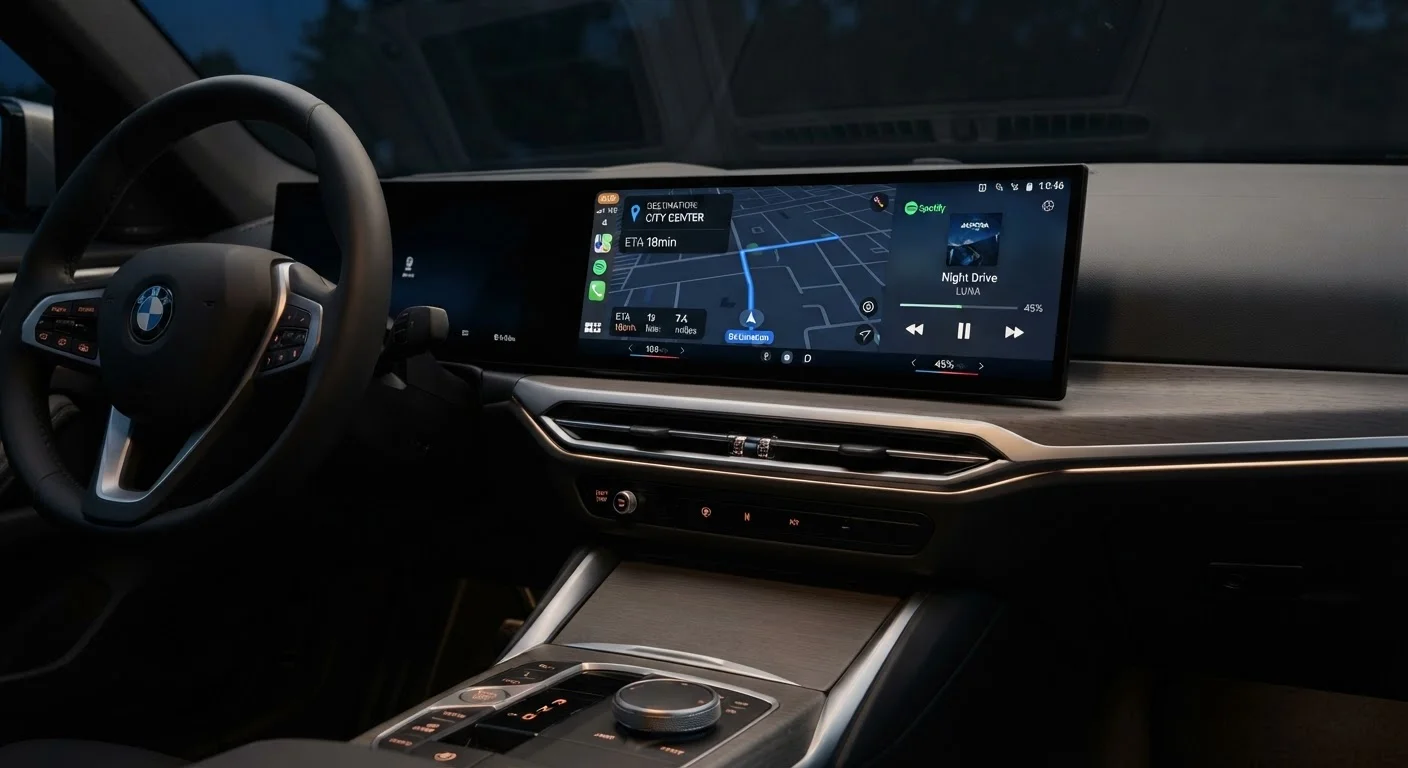
Why the Infotainment System Deserves Serious Scrutiny
The infotainment system is one of the most-touched components in any modern vehicle. You interact with it every single time you drive - adjusting audio, navigating, managing phone calls, and controlling climate in many cases. A slow, confusing, or poorly integrated system creates daily friction that no trim badge or horsepower figure can offset.
Manufacturers increasingly differentiate vehicles at the software level, which means two cars with identical drivetrains can feel dramatically different inside. Understanding which features actually improve day-to-day life - versus those that look impressive on a spec sheet - is the core of smart infotainment evaluation. For a broader look at which capabilities consistently earn their keep, see infotainment features that genuinely improve daily driving.
This checklist is designed to be used hands-on during a test drive. Do not evaluate the system while the car is moving - review menus and settings while parked, then assess voice commands and audio during the drive itself.
Don't Rely on the Salesperson's Demo
A guided walkthrough from a salesperson is designed to showcase strengths, not surface weaknesses. Always insist on hands-on time with the system yourself, using your own phone and your own use cases. If a dealership resists letting you interact freely with the infotainment during a parked evaluation, treat that as a red flag.
Used Cars May Have Outdated or Unsupported Software
Infotainment systems on used vehicles may be running software that is several versions behind with no path to update. Before purchasing, confirm whether the system still receives support from the manufacturer and whether connected features still function as originally advertised.
What You Need for the Evaluation
Bring a few items to the dealership so you can run a thorough, real-world test rather than relying on the salesperson's demo.
Your own smartphone
Required to test real-world Apple CarPlay or Android Auto connection, Bluetooth pairing, and hands-free calling quality.
USB-A and USB-C cables
Needed to test wired smartphone integration, since cable type varies between vehicles and your device.
A familiar music playlist
Helps you judge audio quality accurately by listening to tracks whose balance and clarity you already know well.
Notepad or phone notes app
Used to record observations for each checklist group so you can compare them across multiple vehicles later.
The Full Infotainment Checklist
Work through each group methodically while the car is parked. Note anything that feels sluggish, confusing, or missing - these impressions tend to intensify over years of ownership, not fade.
Screen & Interface Basics
Smartphone Integration
Navigation & Maps
Voice Control
Audio System
Software & Connectivity
On the audio side, the factory spec sheet can be misleading. Speaker count and wattage figures rarely tell the full story - what matters is how the system actually sounds in the cabin. Understanding speaker count, wattage, and sound staging helps you interpret those numbers accurately.
If the vehicle supports over-the-air (OTA) software updates, that's worth flagging as a meaningful long-term asset. Learn how OTA updates work and what they can change before assuming the system will improve automatically post-purchase.
After the Test Drive: What to Do With Your Notes
Score each checklist group on a simple scale - acceptable, needs compromise, or dealbreaker. A system that scores poorly on smartphone integration or voice recognition but well elsewhere may be worth accepting if the car excels in other areas that matter more to you. A system that scores poorly across multiple groups, however, is a legitimate reason to reconsider a trim or model entirely.
Also verify whether any connected features - such as built-in navigation maps, Wi-Fi hotspot data, or remote app access - require ongoing subscription fees. These costs are easy to overlook during purchase negotiations but accumulate meaningfully over a typical ownership period.
This checklist fits into a broader process of comparing vehicles on factors beyond the powertrain. Researching and comparing car models before you narrow your shortlist helps ensure the infotainment evaluation happens in context, not in isolation. If you're also weighing new versus used vehicles, note that infotainment software on older used cars may be several generations behind and unlikely to receive future updates - a trade-off covered in the new vs. used car decision.
Once you own the vehicle, getting the most from the system safely is the next challenge. Using your infotainment system without driving distracted offers practical habits for doing exactly that.