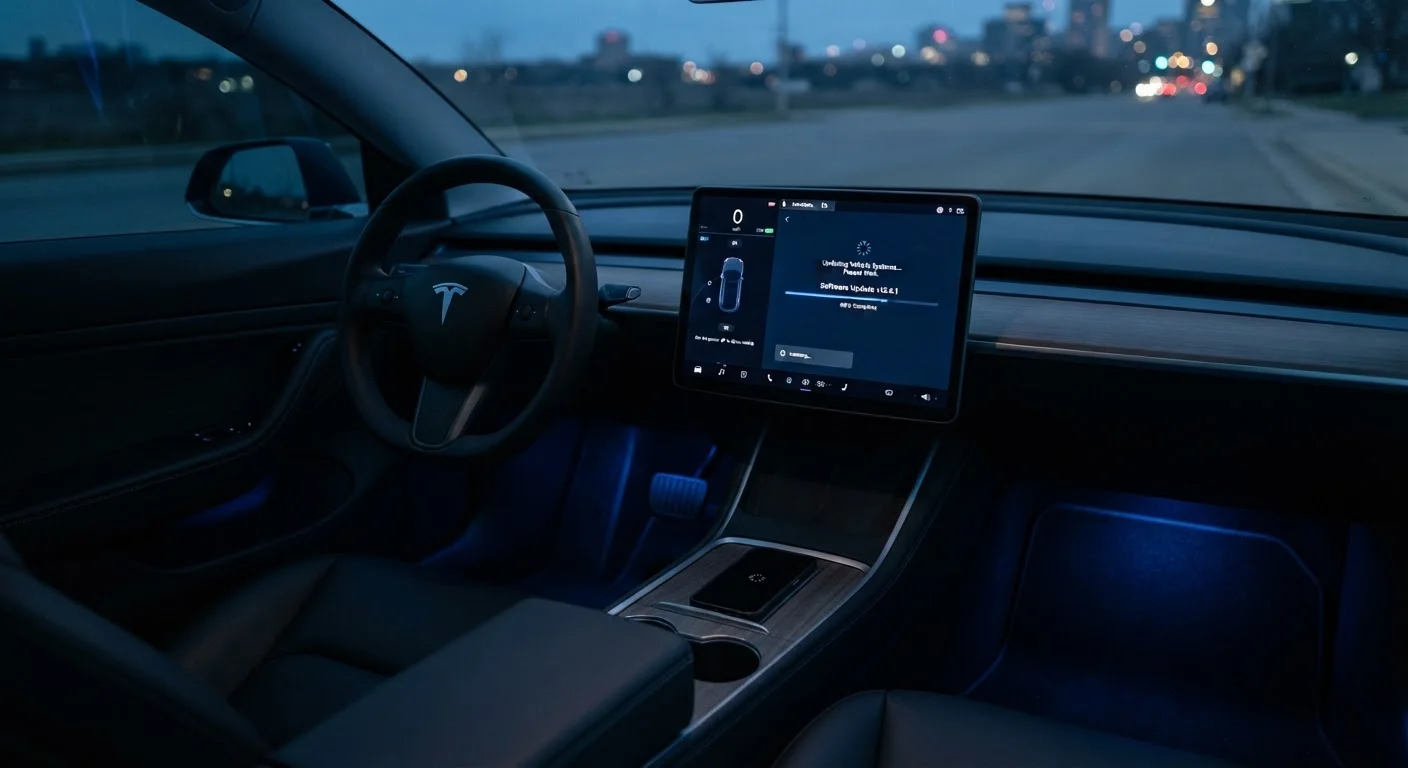
What Happens When Your Car Gets an OTA Update
When an automaker releases a software update, vehicles with OTA capability receive a notification - often on the central touchscreen or through a companion app. The car, connected via its built-in LTE or 5G cellular modem, downloads the update package in the background. Most updates are staged to install while the vehicle is parked, plugged in (for EVs), or simply sitting in your garage overnight.
The process is carefully managed. The new software is verified for integrity before installation begins, and the system keeps a snapshot of the existing software version in case a rollback is needed. Once installed, the vehicle confirms successful completion. For most routine updates, the owner interaction required is minimal - review the release notes, accept the update, and let it run.
It's worth understanding that a modern vehicle's software is not a single program. Your car has separate ECUs managing the infotainment display, the navigation maps, active safety systems, battery management (on EVs), and more. An OTA update might target just one of these - say, a fix to the voice recognition system - or it might update several at once as part of a larger release.
What OTA Updates Can and Cannot Change
OTA updates are powerful, but they have clear limits. Understanding both sides helps set realistic expectations.
What they can change:
- Infotainment software - menu layouts, app integration, touchscreen responsiveness, wireless CarPlay or Android Auto support
- Navigation maps and routing logic - updated map data and smarter route calculation
- Driver-assistance calibration - refinements to adaptive cruise control, lane-keeping sensitivity, or automatic emergency braking thresholds
- Powertrain and energy management - on EVs especially, battery charging curves, range estimation, and regenerative braking can all be adjusted via software
- Security patches - closing vulnerabilities in the vehicle's connected systems
What they cannot change:
- Physical hardware - sensors, cameras, processors, and mechanical components cannot be upgraded remotely
- Structural safety ratings - passive safety characteristics are fixed at the factory
- Features that require hardware not present in the vehicle
OTA Updates and Feature Unlocks: Know the Terms
Some automakers have begun using OTA delivery not just for fixes and improvements, but to sell additional features after purchase - such as enhanced driver-assistance packages or interior upgrades unlocked via software. These "software-defined vehicle" features can represent real value or feel like paying twice for hardware you already own. Review the connected-services agreement for any vehicle you're considering to understand what's included and what might carry an additional cost later.
See our guide to infotainment systems for a broader look at what all those screens and settings actually control before and after updates are applied.
Why OTA Capability Matters for Long-Term Ownership
A car without OTA capability is essentially frozen in time from a software perspective. Minor irritants - a laggy menu, a navigation quirk, a voice assistant that mishears commands - can only be corrected by visiting a dealership, and only if the automaker deems the issue worth a formal service bulletin. Many quality-of-life improvements simply never arrive.
A car with robust OTA support, by contrast, can improve over the years you own it. Infotainment features that felt clunky at launch can become genuinely polished. Driver-assistance systems can be made more predictable. Range estimates on EVs can become more accurate as the automaker refines its algorithms.
This has real implications for resale value and satisfaction. A vehicle that ages gracefully in its software is more competitive in a used-car market where buyers increasingly scrutinize tech features. That said, OTA updates are not a guarantee of continuous improvement - the automaker must actually invest in ongoing development, and some do this far more actively than others.
When evaluating a vehicle, it's worth asking specifically: what has this model received in OTA updates since launch, and does the manufacturer have a stated commitment to ongoing software support? The answers reveal a lot about the long-term ownership experience. For a broader evaluation framework, our infotainment checklist for test drives covers the right questions to ask before you commit.
OTA updates are part of a larger shift in how vehicles are built and maintained - one that rewards buyers who treat software capability as a genuine feature, not an afterthought. For more on which tech features consistently deliver day-to-day value, see our guide to infotainment features that genuinely improve daily driving.