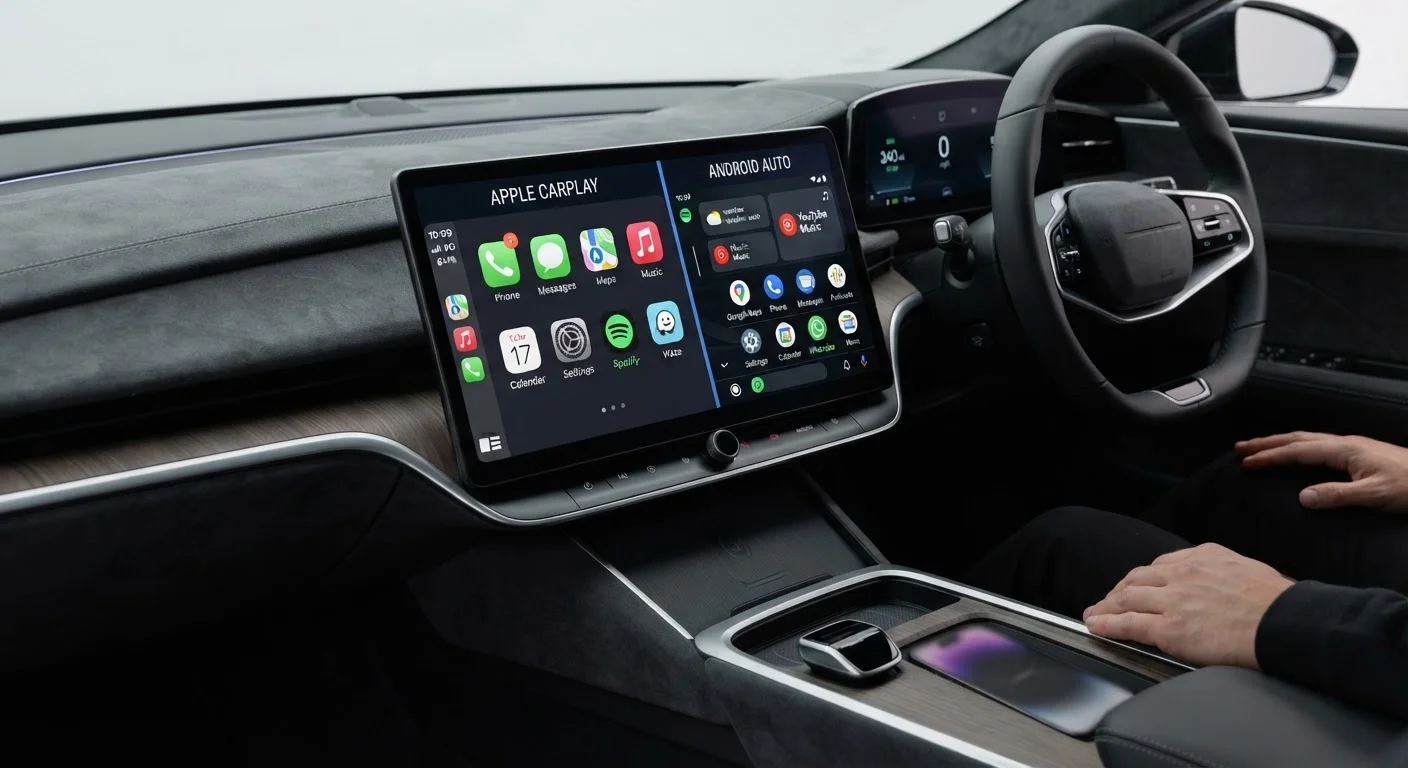
What Both Systems Actually Do
Apple CarPlay and Android Auto are smartphone mirroring systems - they project a simplified version of your phone's interface onto your car's touchscreen. Rather than navigating your phone itself, you interact with a driver-optimized layout designed for use while behind the wheel.
Both systems provide access to navigation, music, messaging, and phone calls through your car's existing display and speakers. Voice assistants (Siri for CarPlay, Google Assistant for Android Auto) handle hands-free commands. The underlying apps run on your phone; the car's screen is simply a controlled window into them.
This distinction matters when comparing these systems to a vehicle's built-in software. For more on that difference, see native apps vs. mirrored phone apps.
| Criterion | Apple CarPlay | Android Auto |
|---|---|---|
| Compatible devices | iPhone only (iOS 14+) | Android only (Android 9.0+) |
| Default navigation | Apple Maps | Google Maps |
| Third-party navigation | Google Maps, Waze (downloadable) | Waze, HERE (varies by vehicle) |
| Voice assistant | Siri | Google Assistant |
| Wireless option | Yes (vehicle-dependent) | Yes (vehicle & phone-dependent) |
| App customization | Limited layout control | Slightly more flexible |
| Messaging support | iMessage, SMS | SMS, WhatsApp, and others |
Key Differences Between CarPlay and Android Auto
Platform lock-in is the most fundamental difference. CarPlay works only with iPhones running iOS 14 or later. Android Auto requires an Android device running Android 9.0 or higher. There is no cross-platform option - the system you can use is determined entirely by your phone.
Navigation differs in one notable way: Apple Maps is available only through CarPlay, while Google Maps is native to Android Auto. Both platforms support Waze and, on most vehicles, Spotify and similar streaming apps. If you rely on Google Maps specifically, it is available on CarPlay as a third-party download - but it launches as an added app rather than a default. For a deeper look at how phone-based navigation compares to factory systems, see built-in navigation vs. phone GPS.
Voice control behaves differently between the two. Siri in CarPlay is tightly controlled by Apple - it handles calls, messages, and music well but has limited ability to interact with third-party apps. Google Assistant in Android Auto tends to handle a broader range of queries and app interactions. For a realistic picture of in-car voice systems generally, see voice control in cars.
App availability is broadly similar across both platforms for major services, though Android Auto historically allowed more third-party app categories. Apple has gradually expanded CarPlay's supported app types with newer iOS versions.
Wired vs. Wireless: What to Check Before You Buy
Both CarPlay and Android Auto started as wired systems - connecting via a USB cable to your phone. Wireless versions of both now exist and are increasingly common on newer vehicles, eliminating the cable entirely.
Wireless operation sounds straightforward, but it introduces variables worth understanding: connection stability, minor latency, and device heat during longer trips. These are not dealbreakers for most drivers, but they are real trade-offs to weigh. Wireless vs. wired smartphone integration covers these trade-offs in detail.
When evaluating a vehicle, confirm which version is supported - and check whether your specific phone model is compatible with the wireless variant. Not all Android phones support wireless Android Auto, and wireless CarPlay requires an iPhone 5 or later running iOS 9 or above (most current iPhones qualify).
For a broader reference on everything infotainment-related, the complete infotainment and connectivity buyer's reference covers screens, audio, software, and integration end to end.