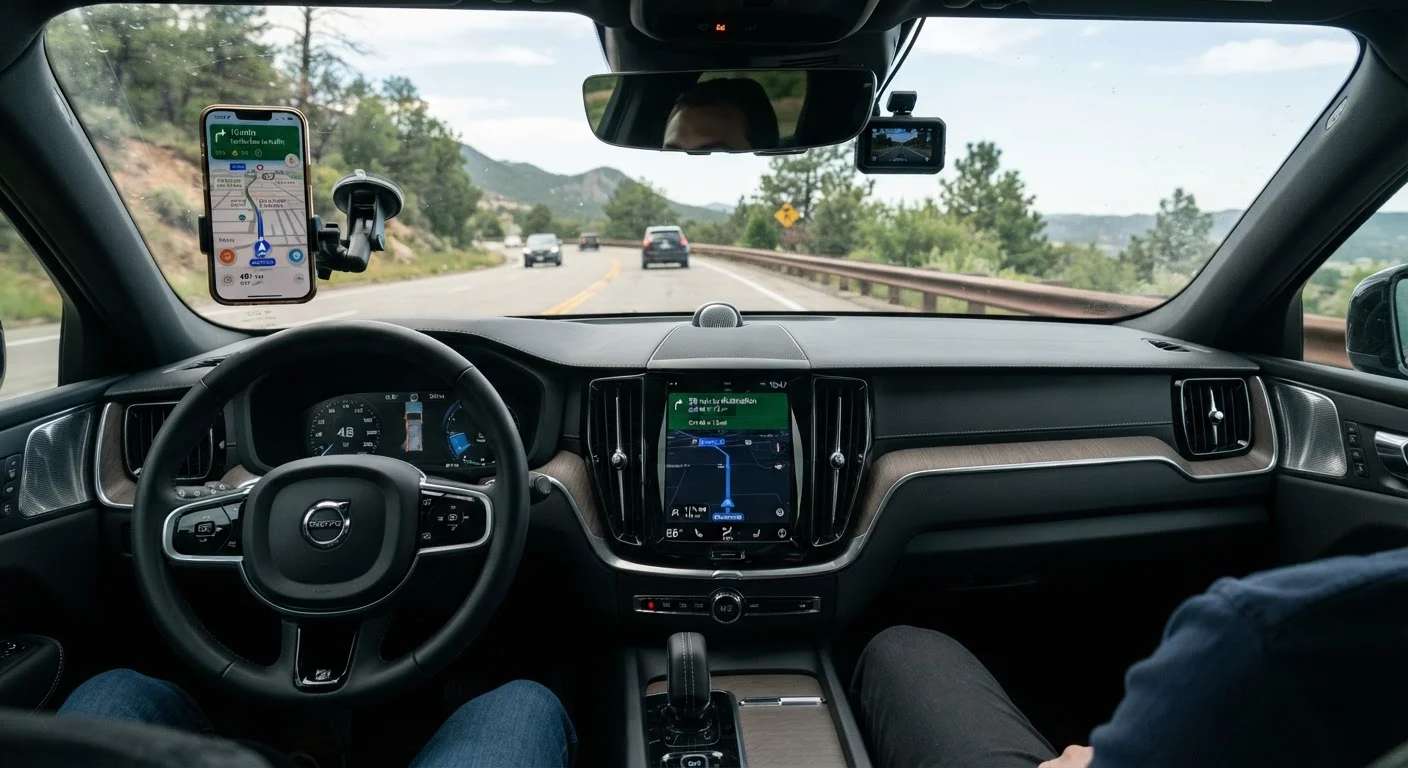
How Each System Actually Works
Built-in navigation - often called factory or OEM sat-nav - is software embedded directly into your vehicle's infotainment system. It reads map data stored locally on the car's hard drive or memory chip, calculates routes using the car's own processor, and determines your position via a GPS antenna built into the vehicle. Because maps live on the car itself, the system operates independently of your phone or cellular network.
Phone GPS works differently. Apps such as Google Maps, Apple Maps, and Waze download map tiles on demand from the internet and use your smartphone's GPS chip to pinpoint your location. The key advantage is that these apps pull real-time data - live traffic, road closures, construction alerts - from millions of other users simultaneously. The trade-off is that full functionality depends on an active data connection.
Understanding this fundamental difference - local maps versus live cloud data - helps explain almost every other distinction between the two approaches. For a broader look at how your phone integrates with your car's screen, see how Apple CarPlay and Android Auto work.
Accuracy, Updates, and Real-World Routing
Map freshness is where phone GPS holds a clear edge. Google Maps and Apple Maps update their databases continuously, meaning newly opened roads, changed speed limits, and rerouted highways appear quickly. Factory maps, by contrast, are static until you manually update them - a process that some manufacturers charge for, and which many owners never complete. A factory system running a map set that is two or three years old can send you down roads that have since changed.
For traffic accuracy, phone apps again lead. Crowd-sourced data from millions of active users means incidents are flagged within minutes. Some factory systems do offer connected traffic services - often via a subscription - but coverage and refresh rates vary by brand and region.
Where built-in navigation recovers ground is in offline reliability. In rural areas, tunnels, underground car parks, or any location with weak cellular service, a phone-based app may struggle to reroute or even display maps. Factory navigation continues calculating without interruption.
| Criterion | Built-In Navigation | Phone GPS |
|---|---|---|
| Map storage | Local (on vehicle) | Cloud-based, streamed |
| Works without cellular signal | Yes | Limited (offline maps vary) |
| Map update frequency | Periodic, often paid | Continuous, typically free |
| Real-time traffic accuracy | Varies; subscription often needed | Strong; crowd-sourced live data |
| Upfront cost | Often $300-$1,000+ at purchase | Free (app download) |
| Device dependency | None | Requires charged smartphone |
| Screen integration | Native, purpose-built | Via CarPlay/Android Auto or mount |
| Portability between vehicles | No | Yes |
For a wider look at which infotainment features consistently justify their place in daily use, the guide to infotainment features that genuinely improve daily driving is worth reading alongside this comparison.
Cost, Convenience, and Long-Term Ownership
Factory navigation is typically bundled into a trim package or offered as a paid option at purchase, adding anywhere from a few hundred to over a thousand dollars to a vehicle's price depending on the manufacturer. Some automakers have shifted to subscription-based connected services that tie traffic updates and map refreshes to an annual fee. Once that subscription lapses, you may be left with a frozen snapshot of road data.
Phone GPS apps are free to download and maintain themselves through routine app updates. Your mobile data plan provides the connectivity they need, though that cost is rarely significant compared to a factory nav upgrade.
Convenience cuts both ways. Factory navigation is always ready when you start the car - no mounting, charging, or pairing required. Phone GPS introduces variables: a dead battery, a forgotten mount, or a misplaced phone can leave you without navigation entirely. If your vehicle supports Apple CarPlay or Android Auto, phone apps display on your car's larger screen, narrowing the usability gap considerably. To understand how that phone mirroring compares to running native car apps, see native apps vs. mirrored phone apps.
Regardless of which system you use, managing screen interaction safely remains critical. The practices for using infotainment without driving distracted apply equally to both factory and phone-based navigation.