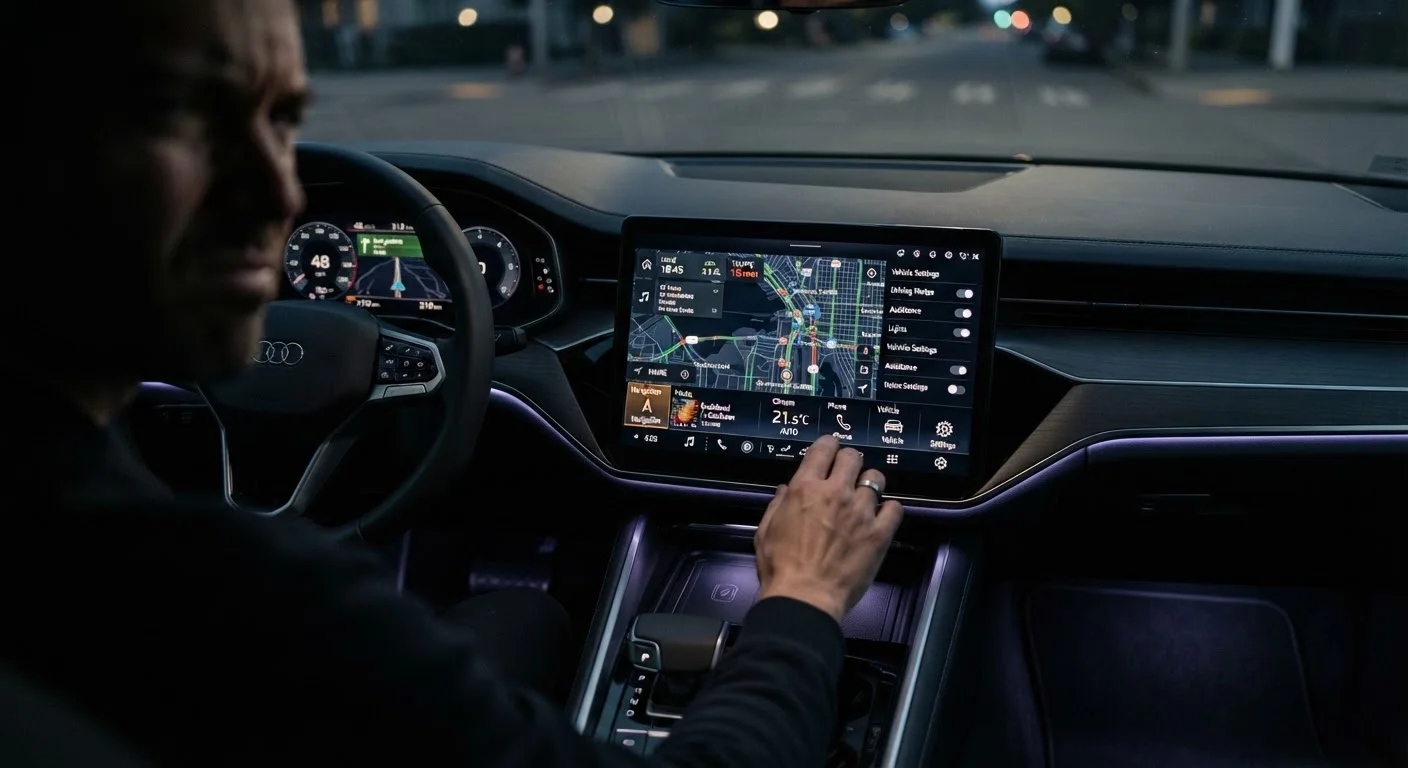
Why Infotainment Assumptions Are So Costly
Modern infotainment systems are among the most heavily marketed features in new vehicles - and among the most frequently misunderstood. Glossy brochures emphasize screen size and feature lists, but the day-to-day experience depends on details that rarely make it into the sales pitch. Many buyers assume these systems work the way their smartphones do: intuitively, seamlessly, and with no hidden limitations. That gap between expectation and reality is a leading driver of post-purchase dissatisfaction.
Understanding what these systems actually do - before you commit - puts you in a far stronger position. Our plain-language infotainment guide breaks down exactly what each screen and setting does, which is a valuable read before visiting a showroom. The mistakes below are the ones that catch buyers off guard most often.
Assuming wireless Apple CarPlay or Android Auto comes standard with any USB port.
Why it happens: Buyers see a USB port and a CarPlay logo in the brochure and assume they're interchangeable. In reality, wireless projection requires a dedicated wireless radio chip that is only present in specific trim levels or model years.
Assuming factory navigation maps will stay current at no extra cost.
Why it happens: Buyers often conflate built-in navigation with app-based navigation like Google Maps, which updates automatically for free. Factory systems typically offer a complimentary update period, after which ongoing map updates may require a paid subscription or download.
Judging system quality by screen size alone.
Why it happens: Screen dimensions are easy to compare on a spec sheet, and a larger display naturally feels more premium in a showroom setting. However, the underlying software, processor speed, and menu logic determine whether the system is pleasant or frustrating to use while driving.
Overestimating how reliably voice commands will work in real conditions.
Why it happens: Demos in quiet showrooms make voice recognition appear flawless. Road noise, accents, and the way commands must be phrased vary significantly between manufacturers, and some systems only respond to a narrow set of pre-programmed phrases.
Assuming over-the-air software updates will fix problems or add features post-purchase.
Why it happens: High-profile EV brands have normalized over-the-air (OTA) updates that improve vehicles after purchase. Buyers sometimes assume all modern vehicles work this way, when in fact most mainstream models still require dealer-performed updates or offer none at all.
How to Research Infotainment Before You Buy
The most effective way to avoid these pitfalls is hands-on time with the actual system before signing anything. Ask the dealership to demonstrate wireless phone projection, run a voice command, and walk you through the update process. If a salesperson cannot answer those questions confidently, treat that as useful information.
Supplement the test drive with independent reviews that specifically evaluate software responsiveness and usability - not just feature count. Owner forums for the exact model year you're considering are particularly revealing, since real-world complaints about sluggish menus or missing features surface quickly there.
For a broader view of which capabilities translate into genuine daily value, see our look at infotainment features that genuinely improve daily driving. And if you want to understand the full landscape of connectivity options in one place, the complete buyer's reference on infotainment and connectivity covers everything end to end. Infotainment regret is also documented in our broader piece on why buyers regret their car purchase - worth reading before finalizing any decision.
Don't Rely Solely on the Dealer Demo
Showroom demonstrations happen in controlled conditions - quiet environment, pre-loaded settings, a salesperson guiding each step. Ask to operate the infotainment system yourself, without assistance, during the test drive. Real-world usability while in motion is what matters for daily ownership, not a curated walkthrough.