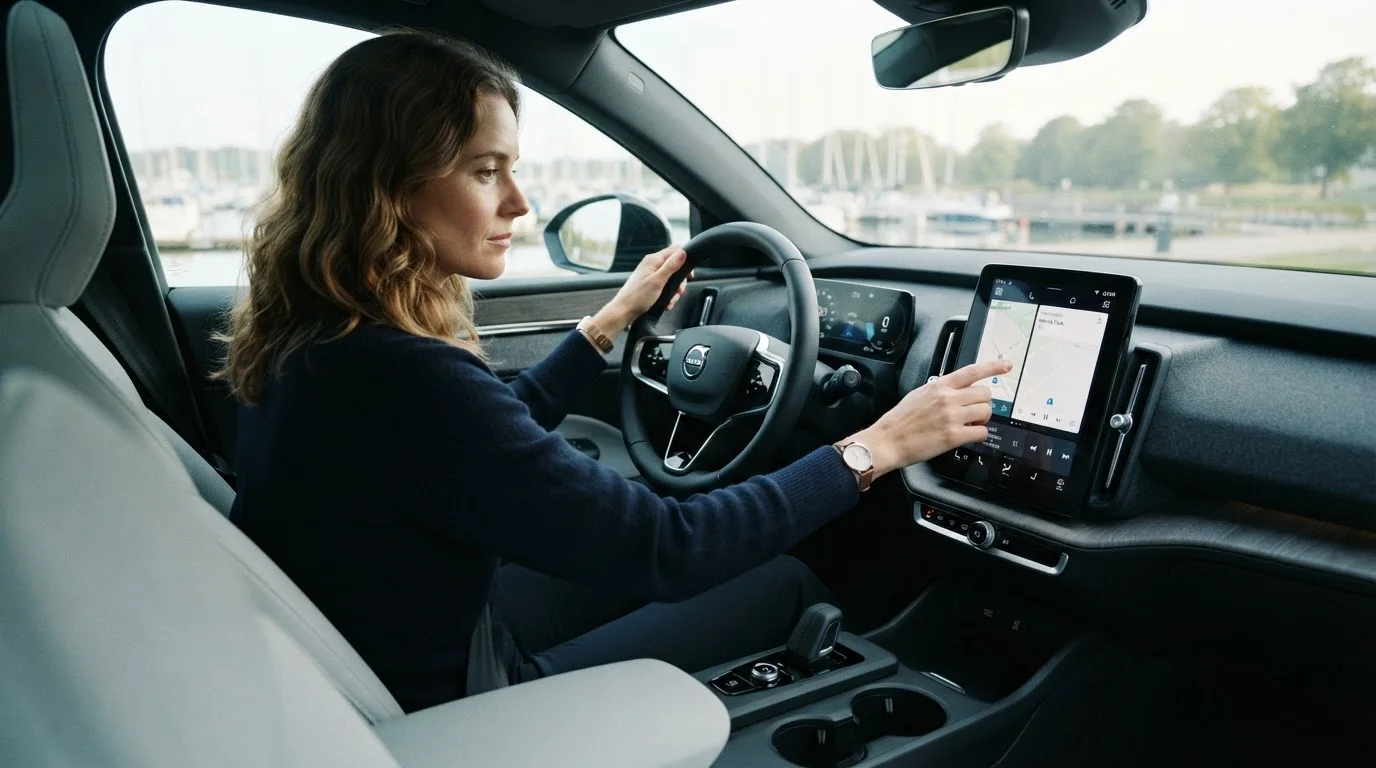
Why Familiarisation Matters Before You Move
Getting into an unfamiliar car — whether it's brand new, a rental, or a recently purchased used vehicle — and driving off immediately is one of the most common ways drivers create unnecessary risk. Modern cars are packed with technology that can genuinely improve safety and comfort, but only when the driver understands how it behaves. A lane-keeping system that you weren't expecting to engage can feel alarming; a heads-up display you haven't adjusted can distract rather than inform.
This checklist walks you through what to check, configure, and confirm before you pull out of the driveway or lot. It's designed for any driver taking the wheel of an unfamiliar car — not just new vehicle owners. Work through it at your own pace while stationary, and refer to the owner's manual for model-specific details whenever you're unsure.
For a deeper look at what specific driver assistance technologies actually do, see our plain-language guide to modern car safety tech.
Never Explore Controls While Moving
All familiarisation steps in this checklist should be completed while the vehicle is stationary, parked, and — ideally — with the engine off or in park. Searching for unfamiliar controls or reading display menus while driving significantly increases the risk of an accident. If you encounter an unexpected alert or function while already driving, find a safe place to pull over before investigating.
What You'll Need
Before working through the checklist, gather these items and have them ready:
Owner's Manual
The definitive reference for your specific vehicle's controls, warning lights, and driver assistance features — essential for any unfamiliar icon or system.
Smartphone
Needed for Bluetooth pairing, CarPlay or Android Auto setup, and testing navigation before you drive.
Manufacturer's Companion App
Some vehicles offer a dedicated app that explains features, allows remote configuration, and provides digital manuals — useful if fitted.
Notepad or Notes App
Handy for jotting down questions or unfamiliar features to look up later without breaking your pre-drive flow.
The Familiarisation Checklist
Work through each group in order. Groups marked with must-have items are non-negotiable before you drive. Strongly recommended items improve safety and confidence significantly. Nice-to-have items can be revisited later but are worth completing when you have time.
Seating, Mirrors, and Visibility
Dashboard and Instrument Cluster
Lighting and Wipers
Driver Assistance and Safety Controls
Infotainment and Connectivity
If you're evaluating an unfamiliar car's infotainment during a test drive rather than a purchase you've already made, our infotainment checklist for test drives covers what to look for before signing anything.
A Note on Driver Assistance Systems
Driver assistance features — such as automatic emergency braking (AEB), adaptive cruise control, and lane-keeping assist — are designed to support you, not replace your judgment. Each manufacturer implements these systems differently, and the way one car's lane-keeping assist behaves can differ significantly from another's. Some systems provide gentle steering nudges; others apply more assertive corrections.
Before relying on any of these features, read the relevant section in your owner's manual carefully. Know which button activates or suspends each system, and practise toggling them while stationary so you're not searching for controls while moving. Our Safety Tech hub explains many of these systems in plain terms if you want broader context.
Do Not Over-Rely on Automated Systems
Driver assistance features are supplementary safety tools, not substitutes for attentive driving. No currently available system provides full self-driving capability for everyday road use. Always maintain full attention to the road, keep your hands ready on the wheel when using assisted driving modes, and never assume any automated system will respond correctly to every situation it encounters.
Once you're comfortable with the car's technology and ready to drive, a structured walkround before any trip is a good habit to build. Our pre-journey safety walkround checklist covers the exterior checks that complement this interior familiarisation process.